If you’re thinking about adding security to your home, a digital video recorder (DVR) system is one of the most straightforward surveillance solutions available. Unlike cloud-dependent systems, DVRs store footage locally on a hard drive, giving you immediate access without monthly subscriptions or internet dependencies. Whether you’re protecting a small cottage or monitoring an entire property, understanding DVR security camera technology helps you make smart choices about what fits your needs. This guide walks you through the basics of DVR systems, the different types available, and how to pick the right setup for your home, all without the sales pitch.
Table of Contents
ToggleKey Takeaways
- A security camera DVR stores footage locally on a hard drive without monthly subscriptions or internet dependencies, giving you complete ownership of your recorded data.
- Choose between analog (budget-friendly, up to 960p), IP-based (high resolution up to 4K, flexible), or hybrid DVR systems based on your property size and resolution needs.
- Most homes need 4 to 6 cameras; select a DVR with 1–2 extra channels for future expansion, and plan storage capacity for 1–3 months of motion-triggered footage on a 2TB–4TB drive.
- DIY installation is achievable for straightforward setups under 150 feet of cable runs, but prioritize proper grounding, quality cables, and dedicated power outlets to avoid signal degradation.
- Monthly lens checks and quarterly hard drive health reviews keep your DVR system running reliably; drives typically last 3–5 years and should be replaced immediately if they show signs of failure.
- Secure your security camera DVR by changing default admin passwords, updating firmware every 6–12 months, and using a separate Wi-Fi network for cameras to prevent unauthorized access.
What Is a Security Camera DVR System?
Key Components and How They Work Together
A DVR (digital video recorder) security system is simply a network of cameras connected to a central recording device. The DVR itself is the brain, it receives video feeds, compresses them, and stores them on an internal hard drive for later playback. When you press play on footage, you’re pulling directly from that local storage, not streaming over the internet.
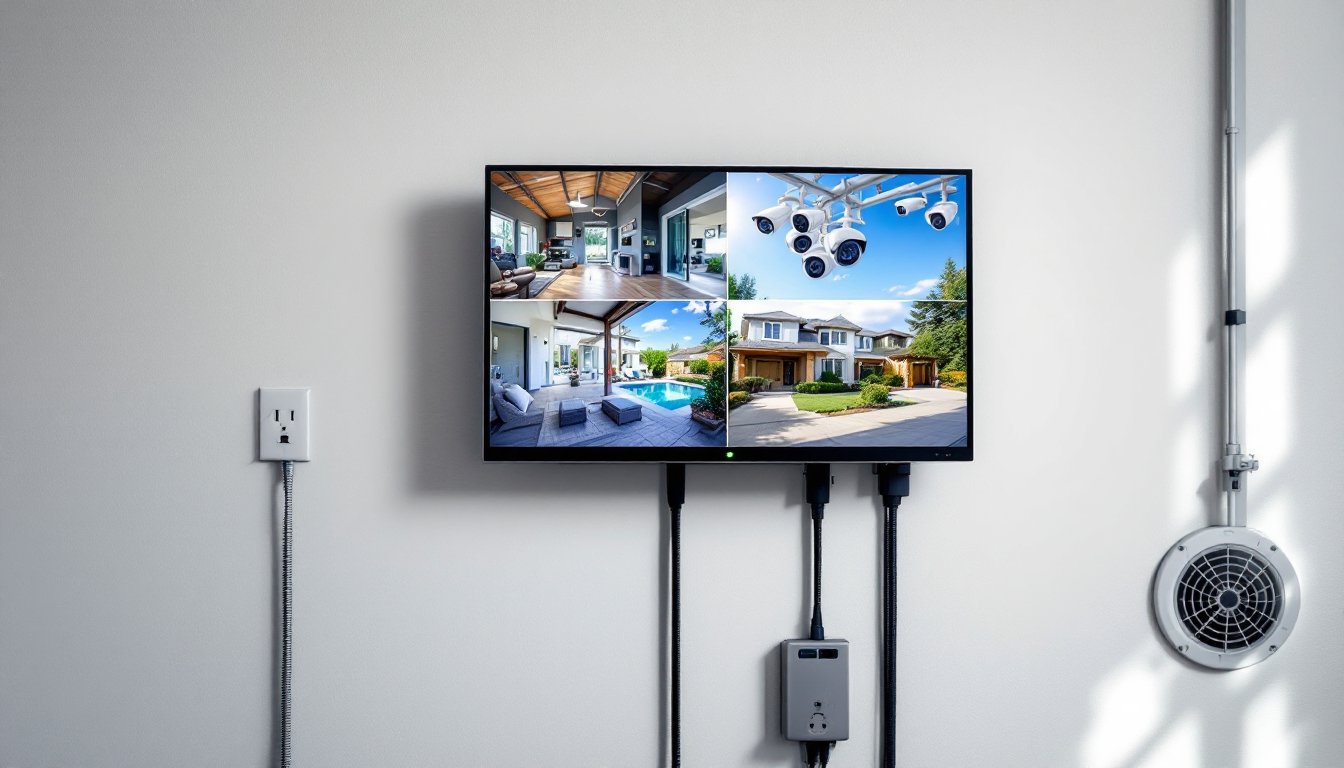
The main parts are straightforward. You’ve got cameras (usually analog or IP-based, which we’ll explain in a moment), coaxial or Ethernet cables to carry the signal, a DVR unit with a processor and hard drive, and a monitor or TV to view live or recorded footage. Some systems also include a power supply unit and basic surge protection.
What makes DVRs different from their predecessors is the digital processing. Instead of magnetic tape wearing out after repeated use, digital files stay intact indefinitely, or until the hard drive fills up. The DVR handles motion detection, scheduled recording, and instant alerts if something triggers the camera. Most homeowners appreciate that DVRs don’t require fancy internet setup or ongoing cloud fees. You own the footage outright, and it stays on your property.
Types of DVR Systems for Home Use
Analog, IP, and Hybrid Systems Explained
Three main DVR flavors exist: analog, IP-based, and hybrid systems. Each has trade-offs worth understanding before you commit.
Analog DVR systems use traditional coaxial cable to connect cameras directly to the recorder. They’re the oldest technology but remain popular because they’re cheap, reliable, and don’t care much about your Wi-Fi. You’ll see them labeled as CVBS or BNC-connection systems. The downside: image resolution tops out around 960p, and cable runs are limited to roughly 300 feet per camera without signal boosters. If you’re protecting a small detached garage or shed, analog works fine. For larger properties or if you want crisp footage for identifying faces, you’ll want something sharper.
IP (internet protocol) DVR systems send video over Ethernet cables or Wi-Fi, offering resolutions up to 4K and much longer cable runs. An NVR (network video recorder) is the IP equivalent of a DVR: the terms are sometimes used interchangeably in modern systems. IP systems are flexible, you can add cameras without rewiring your whole setup, and they integrate easily with smart home platforms. The catch: they depend on your network infrastructure and can be trickier to configure.
Hybrid systems are middle-ground units that accept both analog and IP cameras, letting you start with cheaper analog hardware and upgrade gradually. This approach works well if you’re building your security setup over time and don’t want to rip out and replace everything six months later.
Recent home security reviews highlight that IP-based systems are becoming the standard for new installations because resolution, scalability, and remote access benefits outweigh the extra setup complexity. Choose based on your property size, budget, and comfort with networking basics.
Choosing the Right DVR for Your Home
Start by asking three questions: How many cameras do you need? What resolution matters for your use case? And do you need remote viewing?
Camera count drives your DVR choice. Systems come in 4-, 8-, 16-, and 32-channel configurations. A typical two-story home with driveway, back patio, and front entrance needs 4 to 6 cameras, the 4-channel or 8-channel DVR gives you room to expand. Count your actual camera locations, then pick a system with 1–2 extra channels for future additions.
Resolution depends on your security goals. If you’re deterring package theft or watching for intruders, 720p to 1080p is sufficient, faces are identifiable from 8–10 feet away under decent lighting. If you need to spot detail (license plates, tattoos, fine features), jump to 1080p or better. Analog systems max out at 960p: IP systems easily hit 2MP (1080p) or higher. Higher resolution also means larger file sizes and faster hard drive filling, don’t overkill and waste storage.
Storage capacity matters more than people think. A 1TB hard drive might sound like plenty until you realize continuous 24/7 recording at 1080p eats about 100–150 GB per day across four cameras. For typical motion-triggered recording on a four-channel system, 1–2TB lasts 1–3 months depending on activity. Most homeowners opt for 2TB to 4TB drives and accept that old footage overwrites periodically. If you need long-term retention (beyond 90 days), you’ll need larger capacity or a secondary external drive.
Brand reputation and warranty matter too. Systems from established tech reviewers often recommend units with straightforward interfaces and solid customer support. Avoid bargain-basement knock-offs with no support channels, you’ll regret it when something breaks at midnight.
Installation Basics for DIY Homeowners
Most homeowners can install a basic DVR system with hand tools and patience. Here’s the honest talk: it’s not complicated, but it’s detail-heavy.
Before you buy, plan your camera locations and cable routes. Walk your property and mark spots: front door, back patio, driveway, side yard. Measure distances from each camera location to where you’ll mount the DVR (usually near your router and a power outlet). If cameras are more than 100 feet away, note it, longer analog runs need signal boosters, and IP systems need solid Wi-Fi or Ethernet drops.
Installation steps are straightforward: Mount cameras to your house using the provided brackets and stainless-steel fasteners (regular screws rust in rain). Run cables in a protected route, through conduit under the eave or buried in PVC if going underground. Connect cameras to the DVR with BNC connectors (for analog) or Ethernet cables (for IP). Plug in power, link your monitor or TV, and boot the system. Most DVRs walk you through initial setup: naming cameras, setting resolution, and choosing recording mode.
Common gotchas: Don’t skimp on cable quality, cheap coax introduces signal degradation and weird artifacts in your footage. Use CAT6 or better for Ethernet runs: cheaper CAT5e can drop signal quality on longer runs. Make sure your power outlet is on a dedicated breaker: sharing a DVR outlet with high-draw appliances causes crashes. Ground your coaxial runs to prevent interference from AC units or microwave ovens. If running cable through walls, use low-voltage wire in PVC conduit, never mix power and data lines in the same bundle.
Do you need a professional? For straightforward surface mounting and short cable runs (under 150 feet), absolutely DIY it. If you need trenches dug, deep wall penetrations, or hardwired feeds through your electrical panel, bring in a licensed installer. Similarly, if you want hardwired IP cameras running on a dedicated network segmented from your main Wi-Fi, a networking specialist saves headaches.
Wear safety glasses when drilling, and use a stud finder before drilling into walls. Check for hidden electrical lines and plumbing, no shortcuts here. If you’re not confident about electrical work, don’t guess.
Maintaining Your DVR System
A DVR system runs unattended, but neglect kills performance. Here’s what actually needs doing.
Monthly checks: Walk past each camera and make sure it’s not covered with dirt, spider webs, or condensation. A quick lens wipe with a soft cloth (no harsh cleaners) keeps footage crisp. Check cable connections at the camera and DVR, vibration or temperature swings can loosen connectors over time. Confirm the DVR is running: a steady power light and fan activity are your signs.
Quarterly maintenance: Log into your DVR and review recent footage. This catches issues early, if footage looks dark or pixelated, adjust camera angle or clean the lens properly. Check your hard drive health via the DVR’s system menu: many units report drive temperature and remaining capacity. If you’re above 85°C or approaching 90% storage, it’s time to act. If temperatures are high, improve DVR ventilation or replace the drive.
Firmware updates: Check the manufacturer’s website every 6–12 months for system updates. These often patch security holes and improve stability. Back up your current settings (most DVRs let you export a config file) before updating, just in case.
Hard drive replacement: DVR drives last 3–5 years under continuous use, longer if you use motion-triggered recording only. When a drive starts failing (strange noises, recording dropouts, or the DVR won’t boot), replace it immediately. Buy a compatible replacement from the manufacturer or a trusted retailer, not random Amazon bins. If you need footage from the old drive, a data recovery service can retrieve it, but it’s expensive. Keep a spare 2TB drive on hand if your system is critical.
Network-connected systems: If your DVR connects to your home Wi-Fi, change the default admin password immediately and don’t use “admin/admin” or “password.” Update the DVR’s internal security settings annually, and consider a separate guest Wi-Fi network for cameras so a compromised camera doesn’t give intruders access to your primary network.
Expect to spend 30–60 minutes per year on real maintenance. Most of that is just eyeballing things and pressing buttons. Neglect leads to failed drives and lost footage when you actually need it.